Convert 2D Images to 3D Models with AI
Generate high-fidelity, textured 3D models from clear photos, sketches, and concept art in minutes.
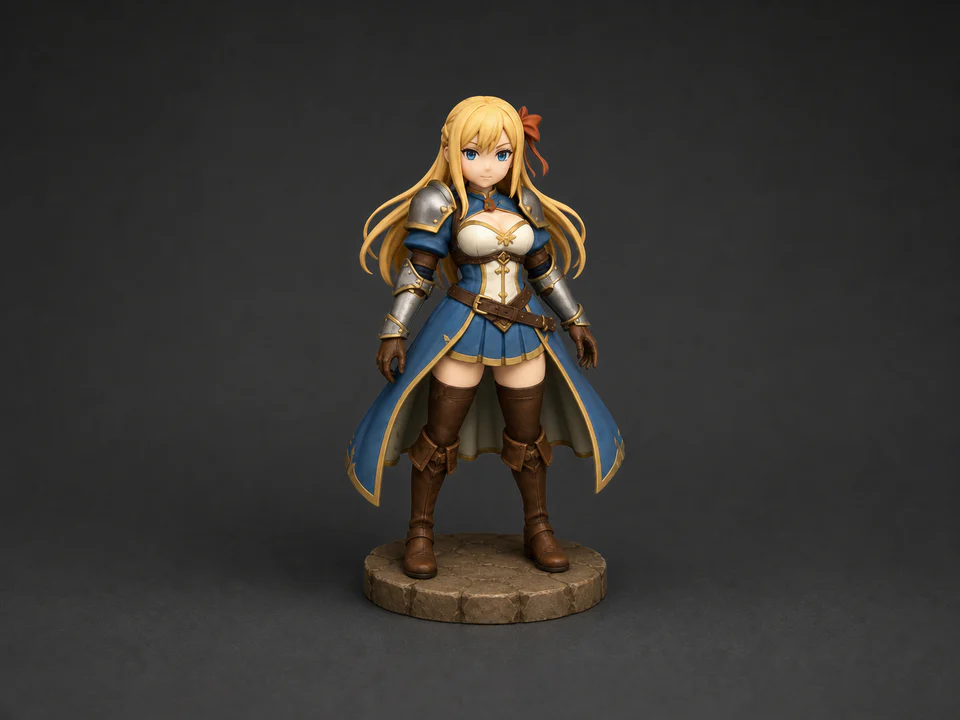
Incredible Image-to-3D Results
See what simple image inputs can become.
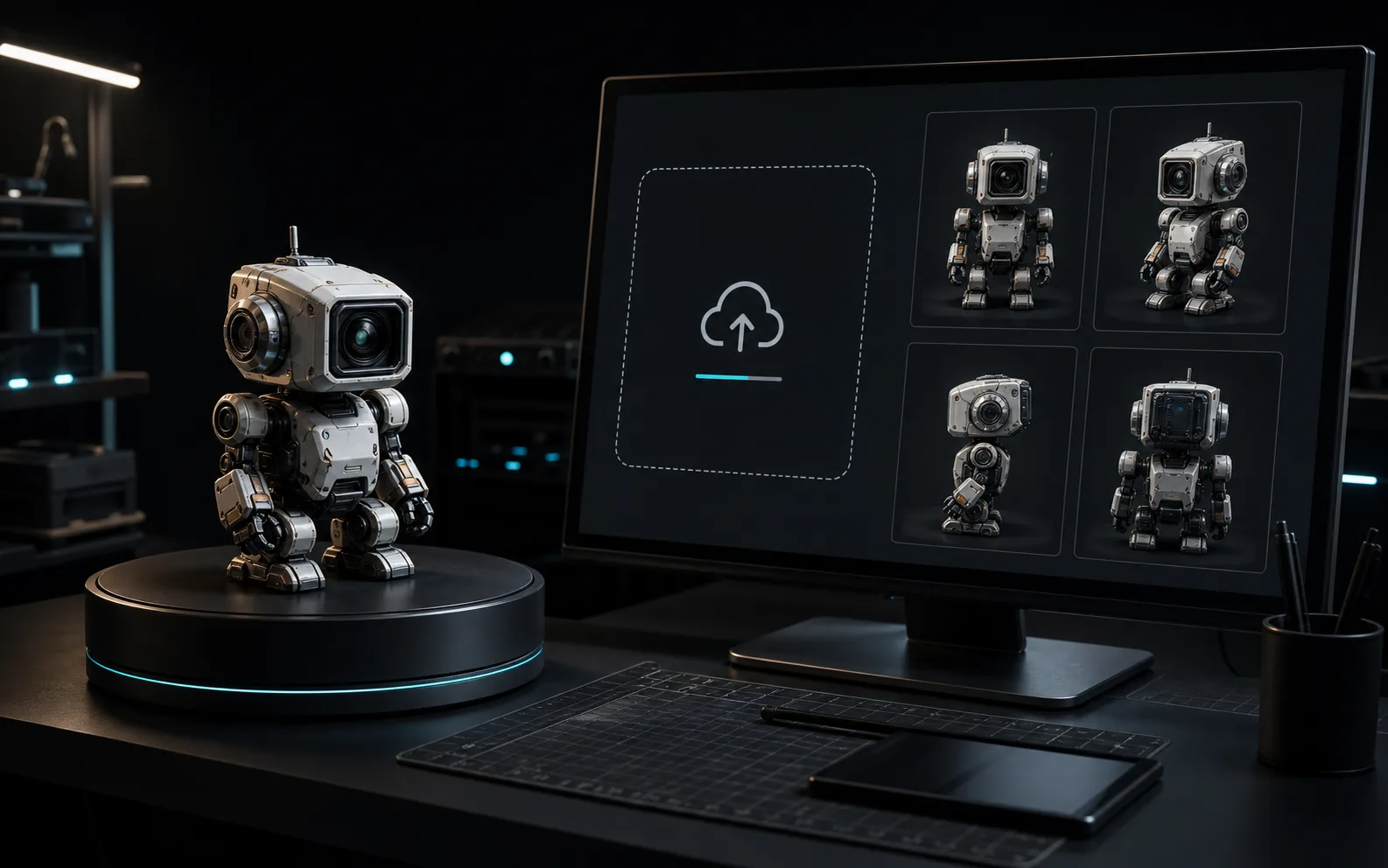
How to Convert an Image to a 3D Model
Transform your 2D concepts into production-ready 3D assets in three simple steps.
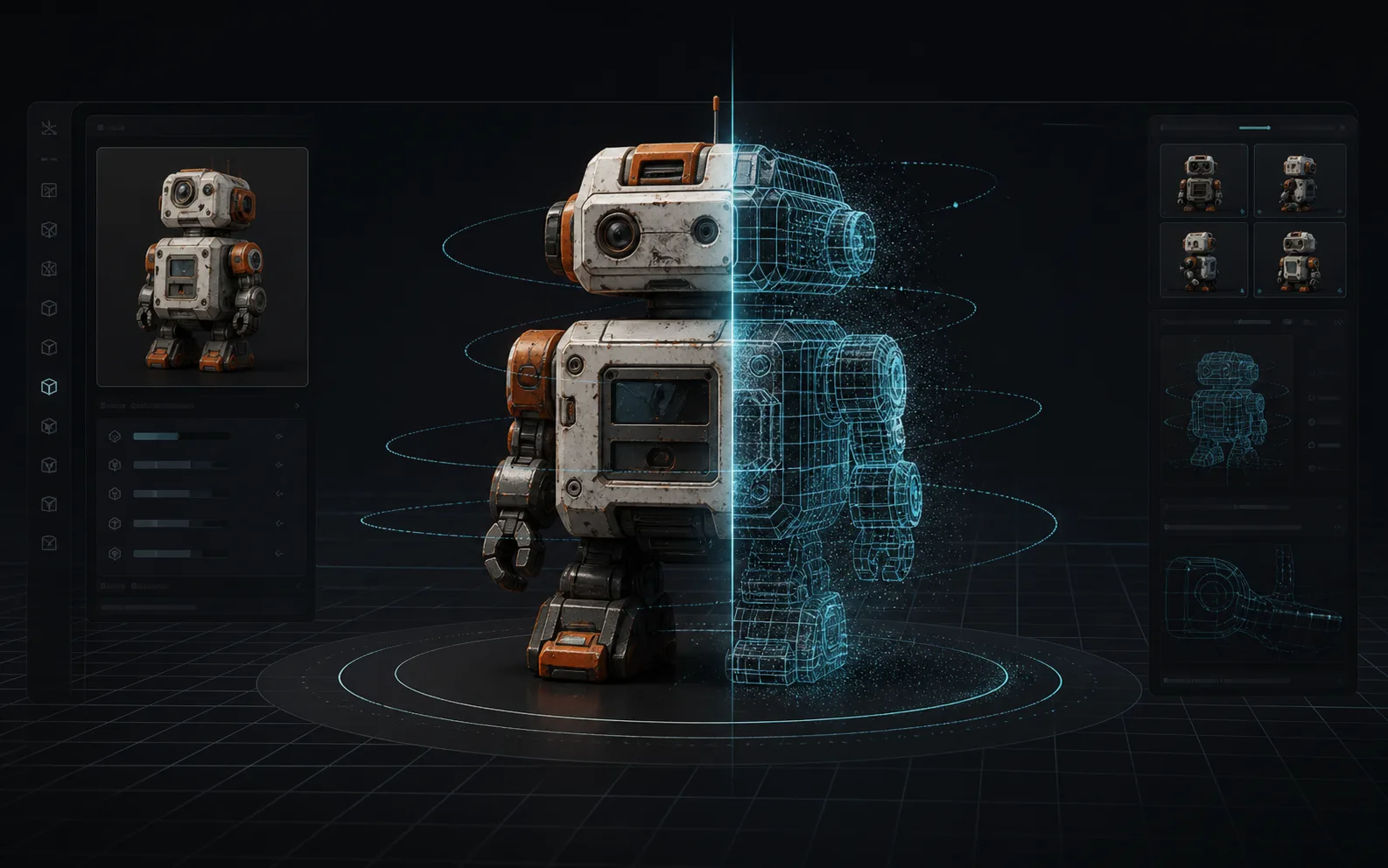
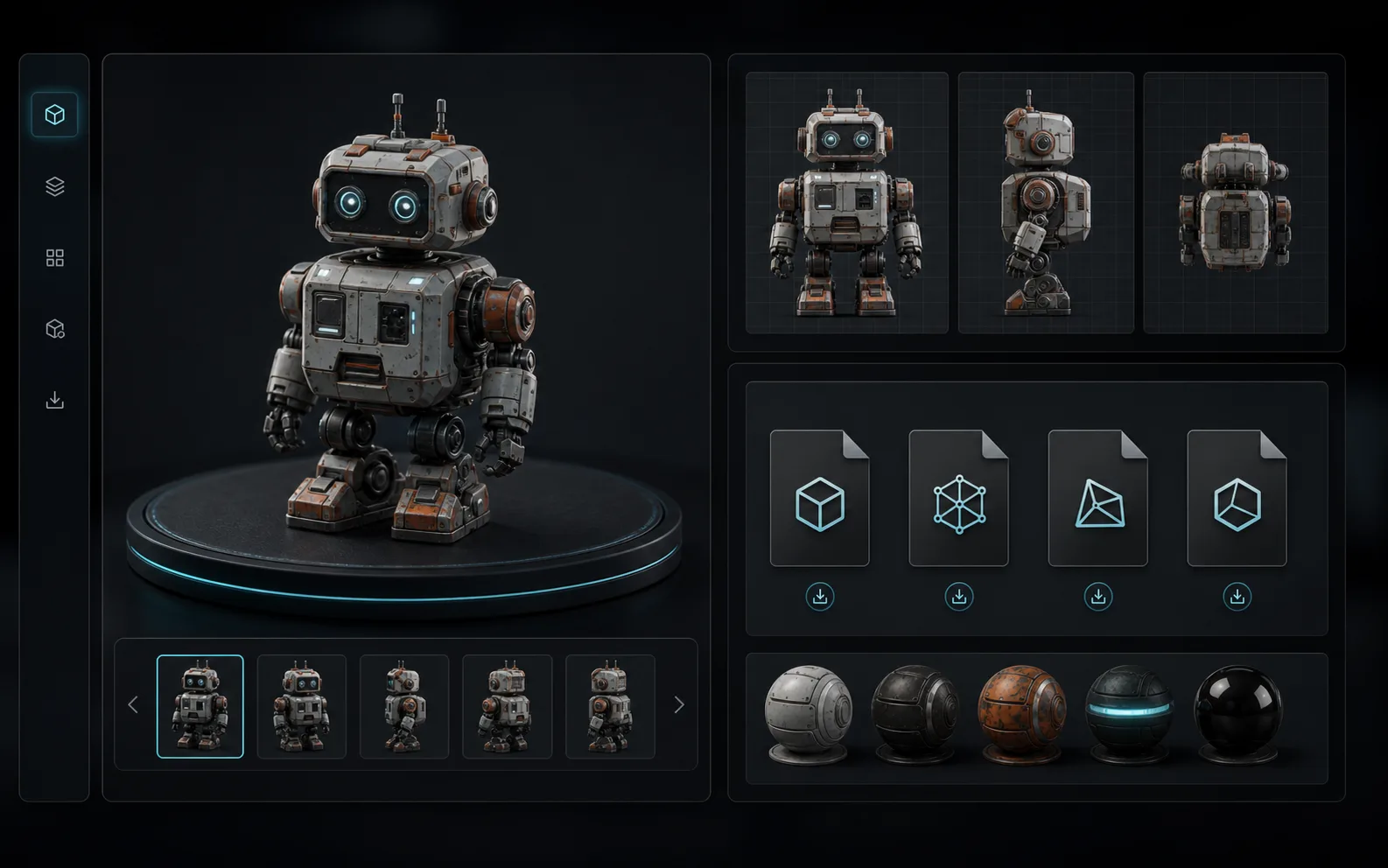
Features of Our AI Image to 3D Converter
Explore advanced workflows designed to bring your 2D images directly into real production tools.
AI Photo to 3D Model
Convert clear photos and 2D references into detailed 3D models with AI-reconstructed geometry and mesh output ready for review or downstream cleanup.
High-Fidelity Texturing
Generate stunning PBR materials, detailed shapes, and high-fidelity textures from a single input image.
Multi-Format 3D Exports
Download your models as textured GLB files, with options to export to STL, PLY, and USDZ for seamless integration into Blender, Unity, and Unreal Engine.
Fast Iteration
Generate textured 3D assets in minutes, enabling rapid prototyping and visual layout exploration.
AI Image to 3D Model Applications
From game development to rapid prototyping, discover how our AI model generator elevates creative pipelines.
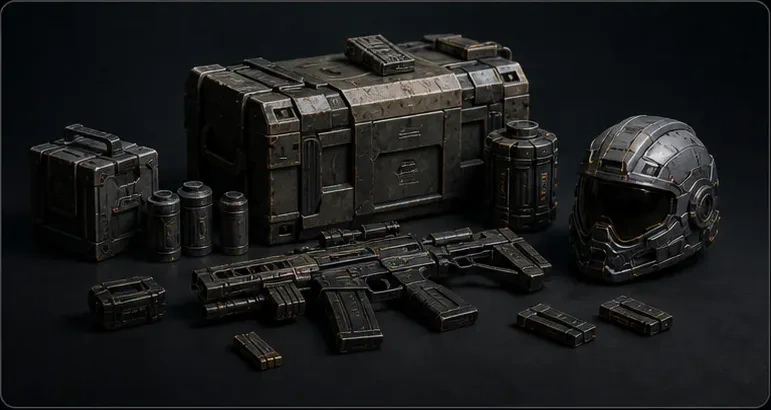
Game Development
Instantly create detailed props and assets for game prototypes, saving days of manual modeling.
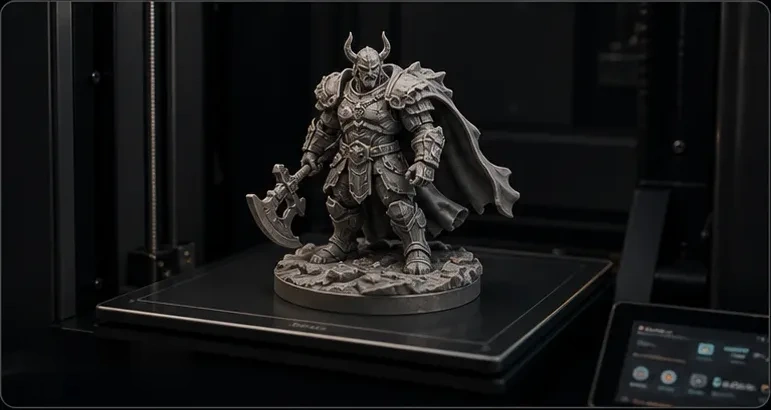
3D Printing & Fabrication
Convert 2D concepts into 3D printable STL files. Export clean, watertight geometry designed for slicing and physical printing.
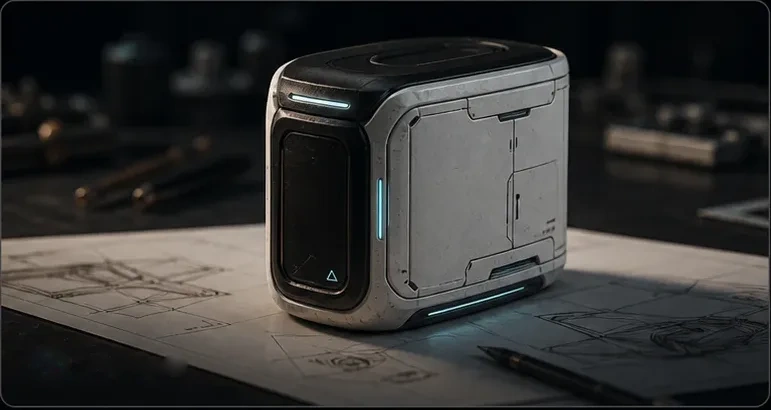
Product Design
Accelerate your industrial design flow by converting product sketches into interactive 3D concepts.
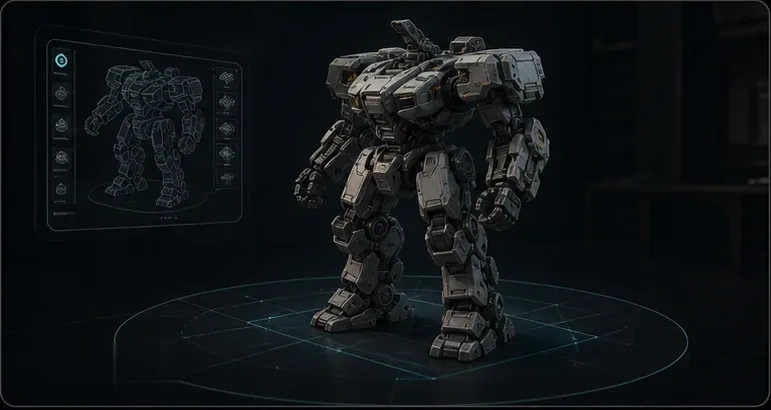
AR / VR Experiences
Instantly populate your virtual environments with lightweight, textured 3D assets generated directly from your 2D concepts.
Image to 3D Model Guide for Better Results
Get the most out of AI-powered 3D generation by understanding how it works, what inputs perform best, and how to use the output in your creative pipeline.
Modern image to 3D AI analyzes a single photograph or illustration to infer the full three-dimensional shape of the subject. Unlike traditional 3D scanning, which requires multiple photos or specialized hardware, a single-image approach uses deep learning to predict geometry, surface detail, and texture from just one viewpoint. The result is a textured mesh that can be previewed, refined, and exported for real-world use.
- The AI reads visual cues such as shading, edges, perspective, and occlusion to estimate depth and volume.
- A 3D mesh is constructed from the predicted geometry, then UV-mapped textures are projected onto the surface.
- The output is a ready-to-use GLB file that can be opened directly in Blender, Unity, Unreal Engine, or any standard 3D viewer.
The quality of your image to 3D result depends heavily on the input. Not every photo will produce ideal results, but following a few simple guidelines can dramatically improve output quality. The AI works best when the subject is clearly visible and easy to distinguish from the background.
- Best results: clear product photos, character concept art, figurines, single objects with good lighting, and clean backgrounds.
- Challenging inputs: transparent or highly reflective surfaces, extremely thin structures, cluttered scenes, and low-resolution images.
- For flat artwork like logos or icons, expect relief-style output rather than a fully rounded 3D form.
Once the image to 3D conversion is complete, you can download the model and bring it into your preferred tools. The GLB format preserves both geometry and textures, making it the most portable option for image to 3D workflows. You can also export to STL for 3D printing, PLY for point cloud processing, or USDZ for Apple AR experiences.
- Import into Blender for mesh editing, retopology, rigging, or animation preparation.
- Load directly into Unity or Unreal Engine as a game-ready asset for prototyping scenes and levels.
- Use STL exports with slicer software like Cura or PrusaSlicer when preparing models for 3D printing.
Image to 3D generation serves a wide range of creative and professional applications. Game developers use it to rapidly populate scenes with props and environmental assets. Product designers convert early sketches into tangible 3D concepts for client review. Hobbyists and makers use image to 3D tools to turn reference images into printable models for personal projects.
- Game development: generate placeholder assets, props, and environment pieces from concept art in minutes instead of hours.
- AR and VR: create lightweight 3D objects for immersive experiences, spatial computing apps, and interactive product demos.
- 3D printing and prototyping: convert reference images into starting meshes, then refine geometry before slicing and fabrication.
Flexible Image to 3D Pricing Plans
Start small, add more when projects grow.
Starter
800 Credits
~$1.24 per 100 credits
- Credits valid for up to 1 year
- Commercial license
- Access to all AI models
- No subscription required
Pro Standard
3,000 Credits
~$1.00 per 100 credits
- Credits valid for up to 1 year
- Commercial license
- Access to all AI models
- Priority customer support
- No subscription required
Max Value
8,000 Credits
~$0.87 per 100 credits
- Credits valid for up to 1 year
- Commercial license
- Access to all AI models
- Priority customer support
- No subscription required
Image to 3D Model AI - Frequently Asked Questions
What is the best image to 3D model AI?
Do I need a paid plan to convert a 2D image to a 3D model?
What types of images work best for image to 3D conversion?
How long does it take for the AI to turn an image into a 3D model?
Is this tool good for image to 3D print workflows?
Can I use the generated 3D models commercially?
What 3D file formats can I export?
Can I convert a sketch or drawing to a 3D model?
Do I need 3D modeling experience to use this tool?
How is AI image to 3D different from photogrammetry?
Convert Your First Image to 3D Model Now
Upload your photo, sketch, or digital concept and let our state-of-the-art AI build your high-fidelity 3D asset instantly.